

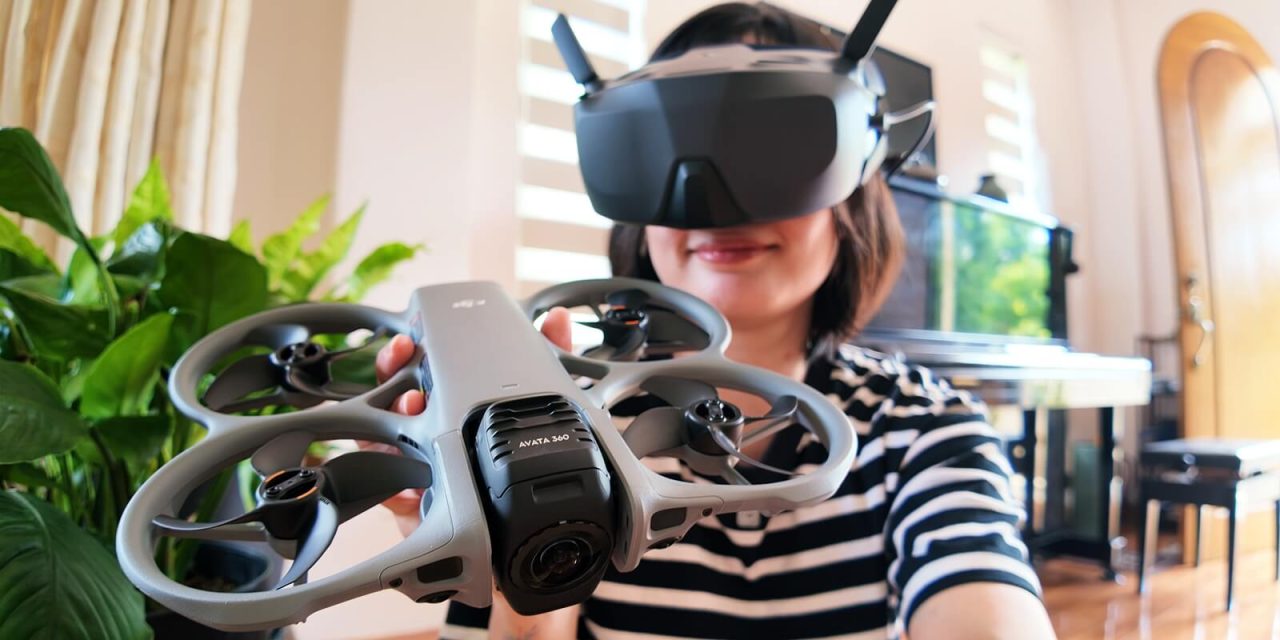
As someone afraid of heights, I never thought flying drones would become part of my skillset, haha! The DJI Avata 360 is the second drone I’ve flown this year. It offers new and veteran drone flyers great flexibility both during in-flight shooting and post-flight editing.
DJI Avata 360’s Dual Cameras Offers Dynamic Perspectives

The DJI Avata 360 offers flexible perspectives due to the drone’s dual camera setup. The two 1/1.1-inch square CMOS Sensors have up to 64 megapixels and can record 360° videos at 8K (2:1): 7680×3840 resolution in up to 60/50/48/30/25/24fps.
Of course, you can also opt to use just the single camera, if you’re not looking for 360° angle footage, but it’s always nice to have both options available in just one device.
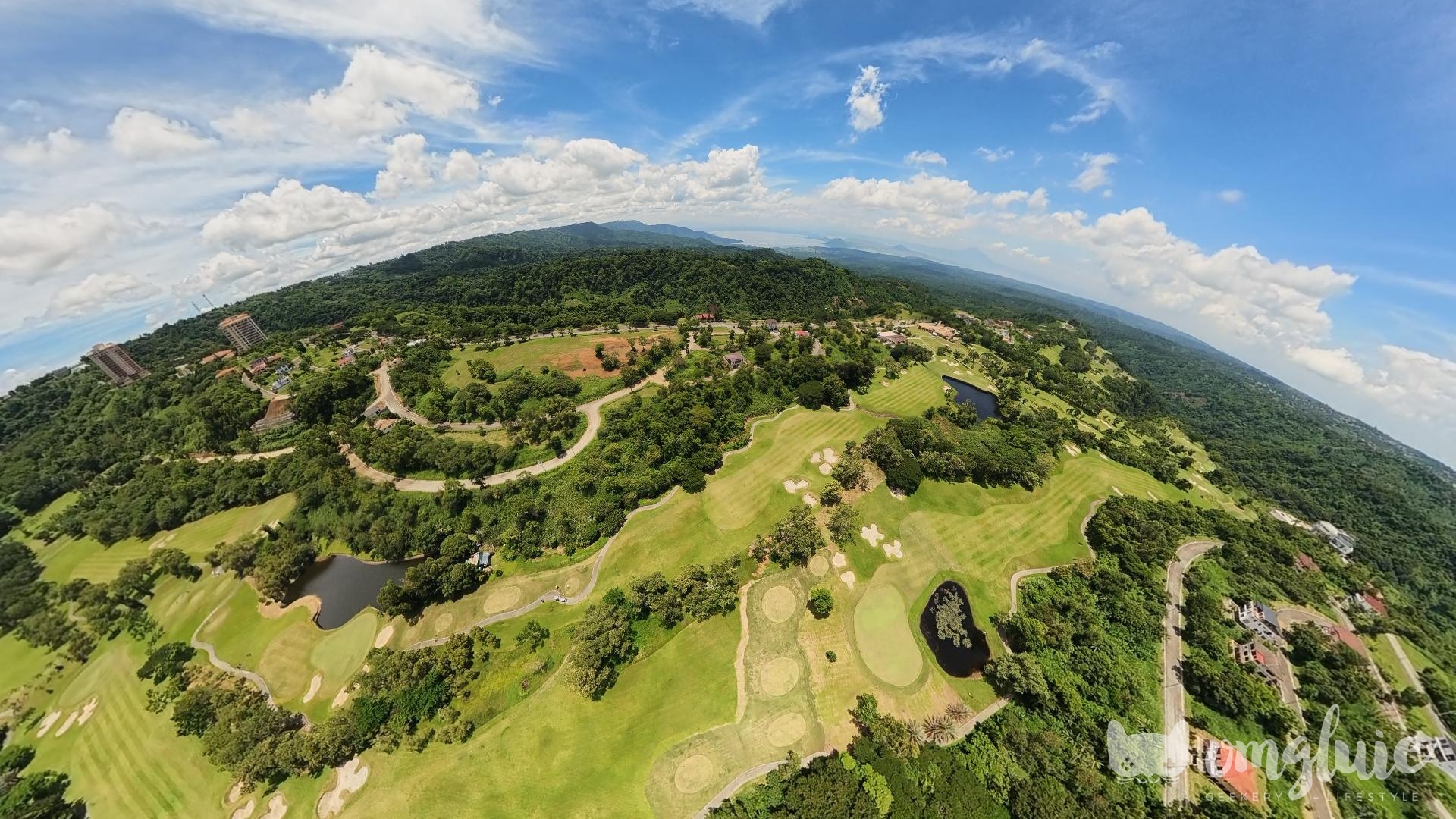
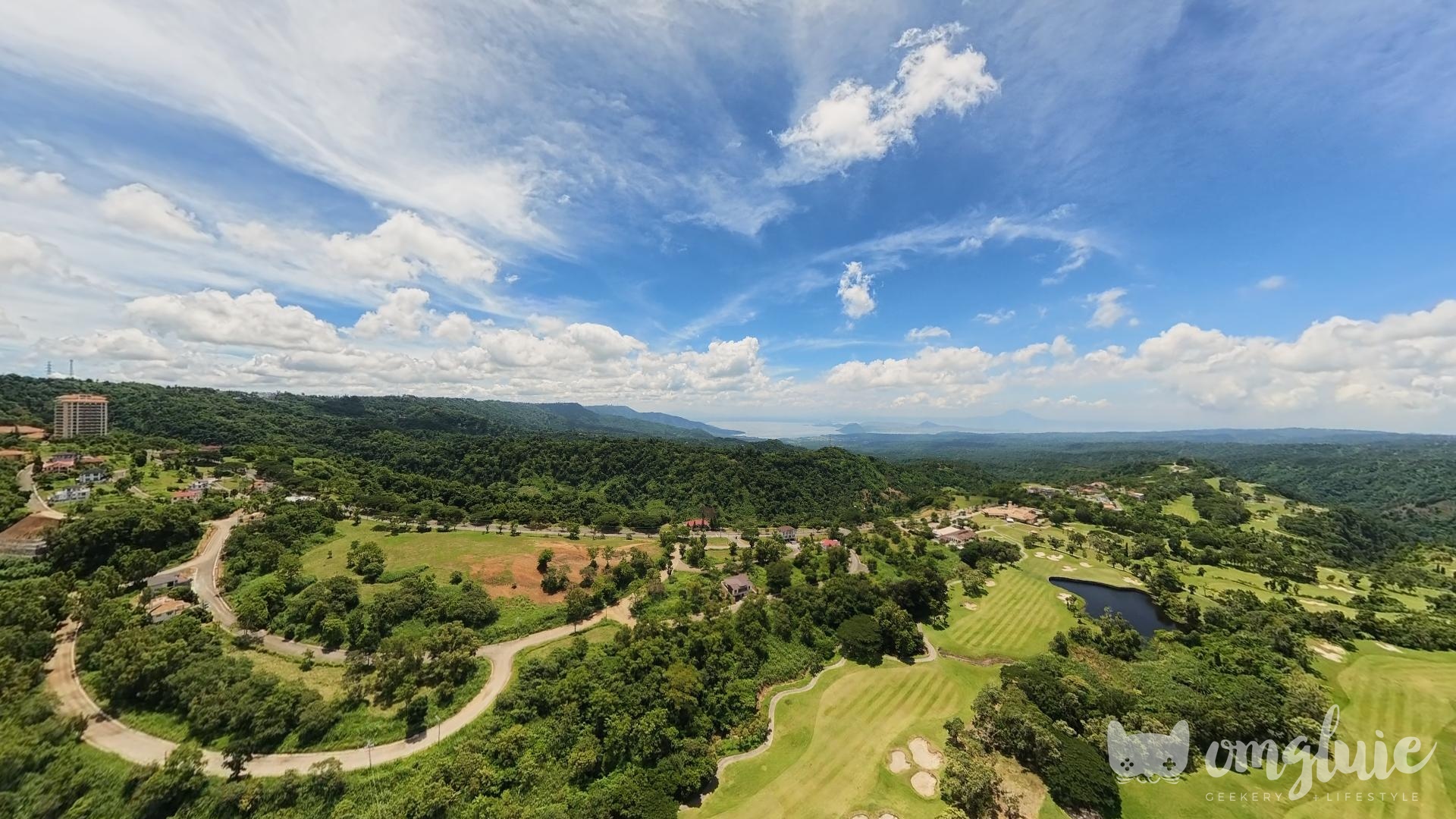
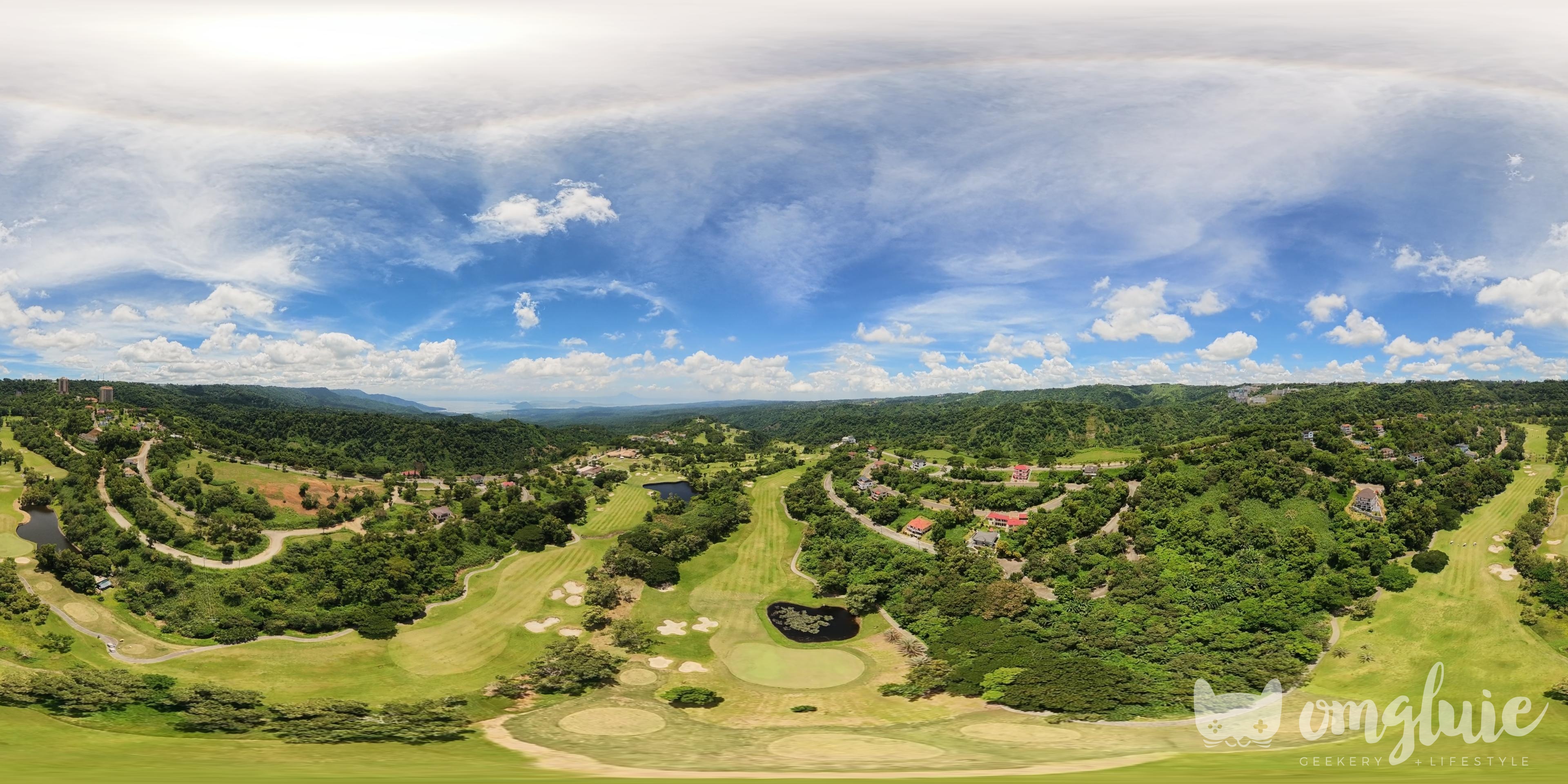
So, whether you’re a casual drone flyer or a professional one, the DJI Avata 360 lets you choose whichever perspective fits best with the type of content you want to create.
Choose Your Own POV When Flying with the DJI Avata 360
The DJI Avata 360’s standard bundle is already packaged with everything you would need. You get extra propellers, extra batteries with a charging hub, a landing pad, and the DJI RC 2.
And if you’re not looking to shoot drone footage professionally, the included remote control is more than good enough to get you started.
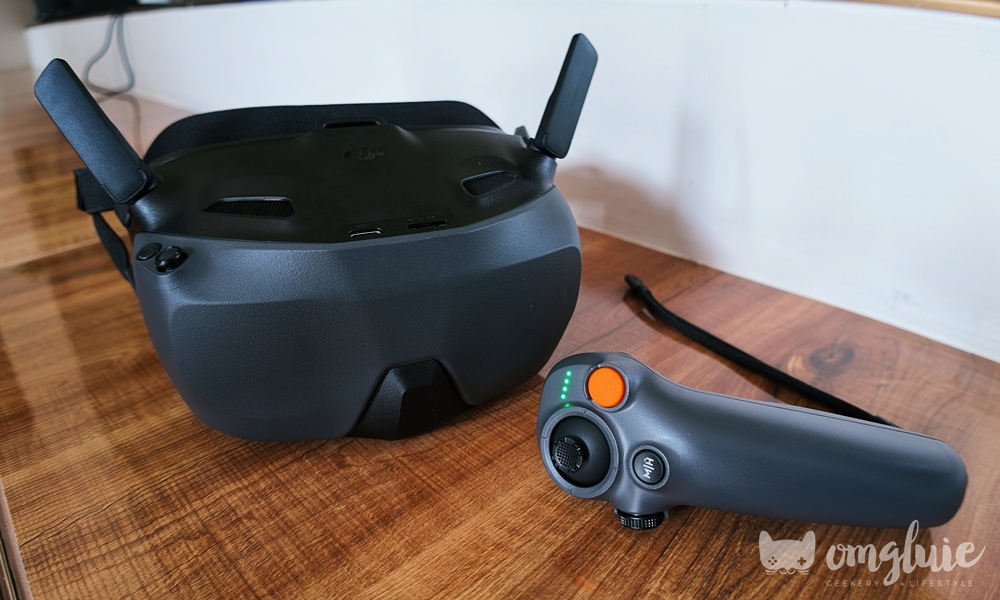
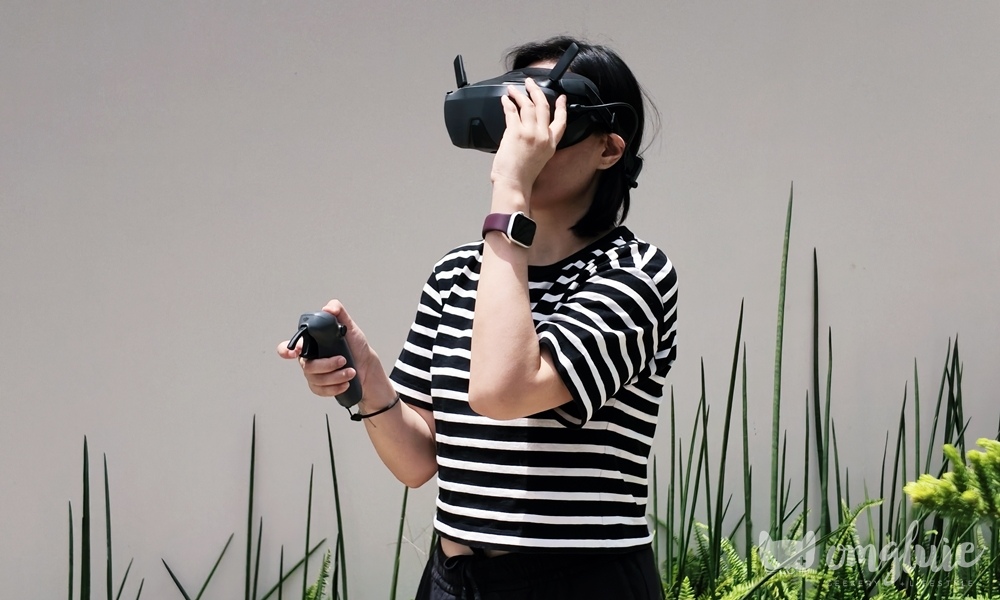
But DJI also has various accessories to switch up your flying perspective. The DJI Goggles N3 and RC Motion 3 offer a first-person POV, which gives a more immersive experience when flying, like you’re in the cockpit of a flight training simulator.
Even though I’m not a professional, I get the appeal of FPV drone flying. You can focus more on the scenery in front of you and if something interesting catches your eye, you only need to look toward that point of interest without having to move the drone towards it.
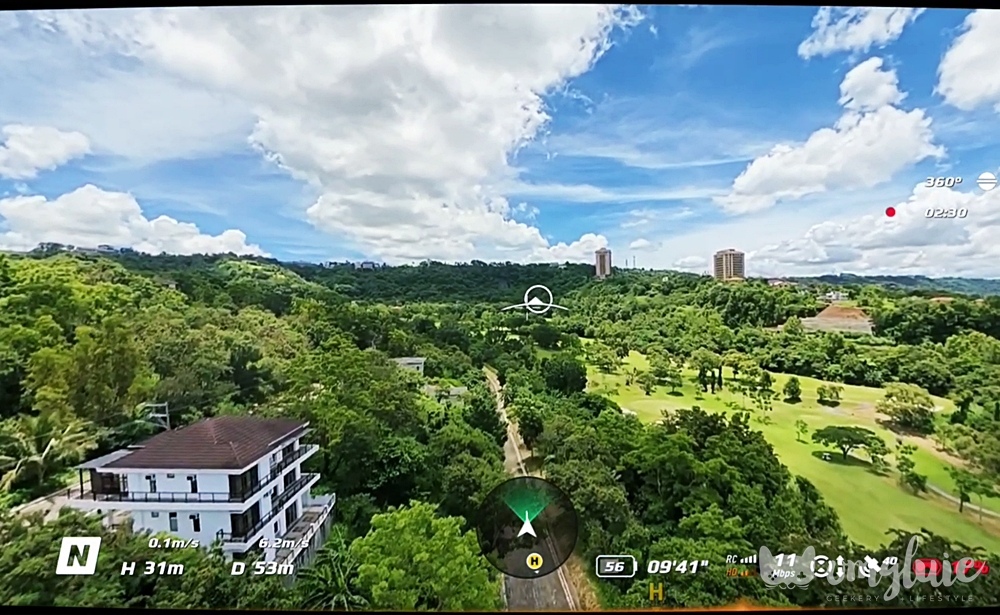
I can only imagine the different types of footage you can record with this setup, especially if you’re already used to the different controls the RC Motion 3 has to offer.
Ease of Use In-Flight and in Post-Processing
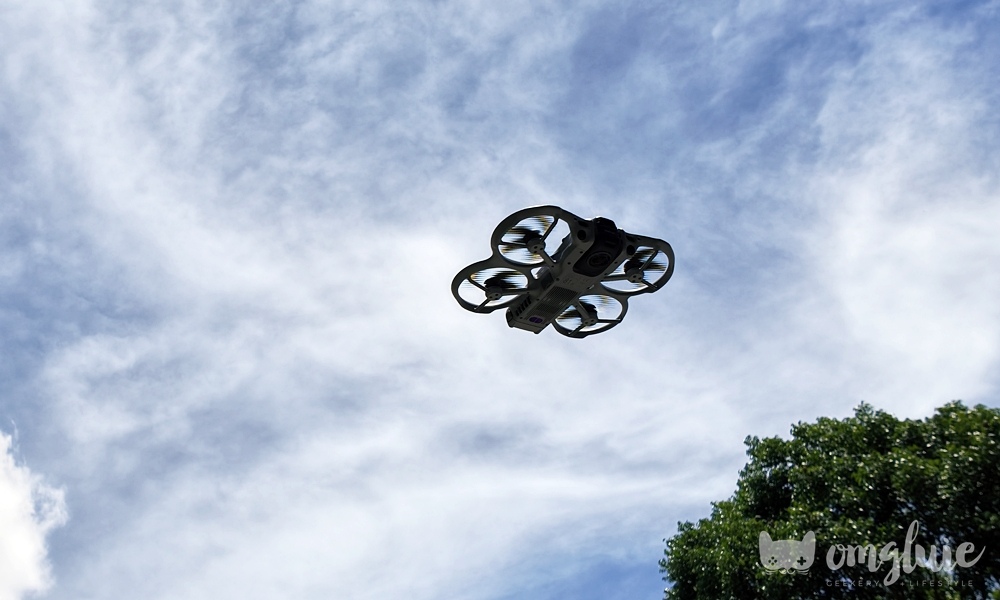
The way DJI has made this drone makes it easy to use. The most challenging part of flying this drone is remembering which buttons do what with the RC Motion 3, haha!
Otherwise, if you’re using to first-person games, the combination of the goggles and the joystick controller allowed to me easily fly and land the DJI Avata 360.
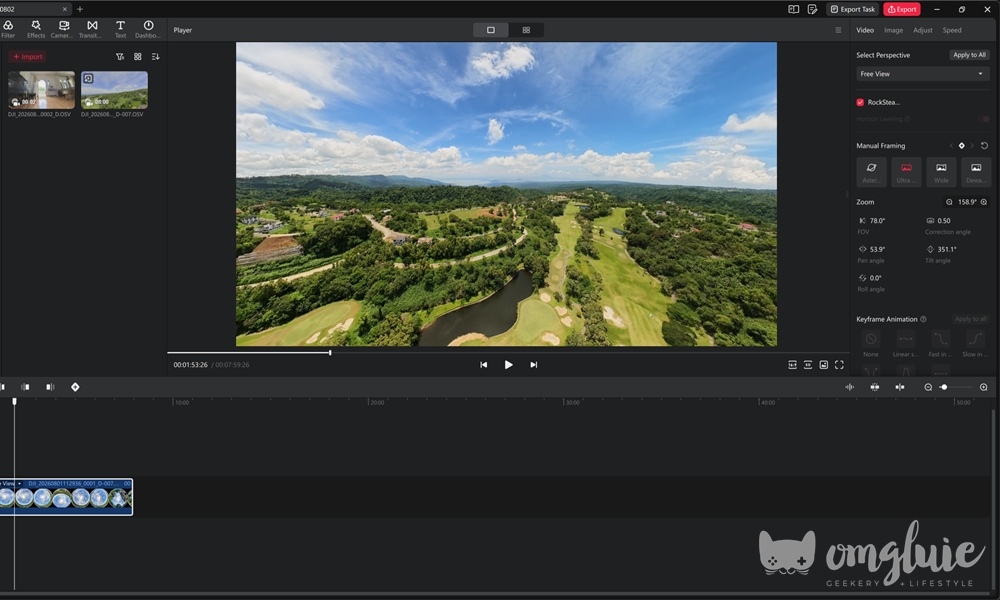
AND! Because the DJI Avata 360 has two cameras and captures footage in a 360° perspective, reframing content is not that hard in post-processing.
You can easily switch POVs and angles, zoom in or out, and etc., with DJI Studio so you have the perfect photo or video for what you need.
DJI Avata 360 Final Thoughts and Flying Experience
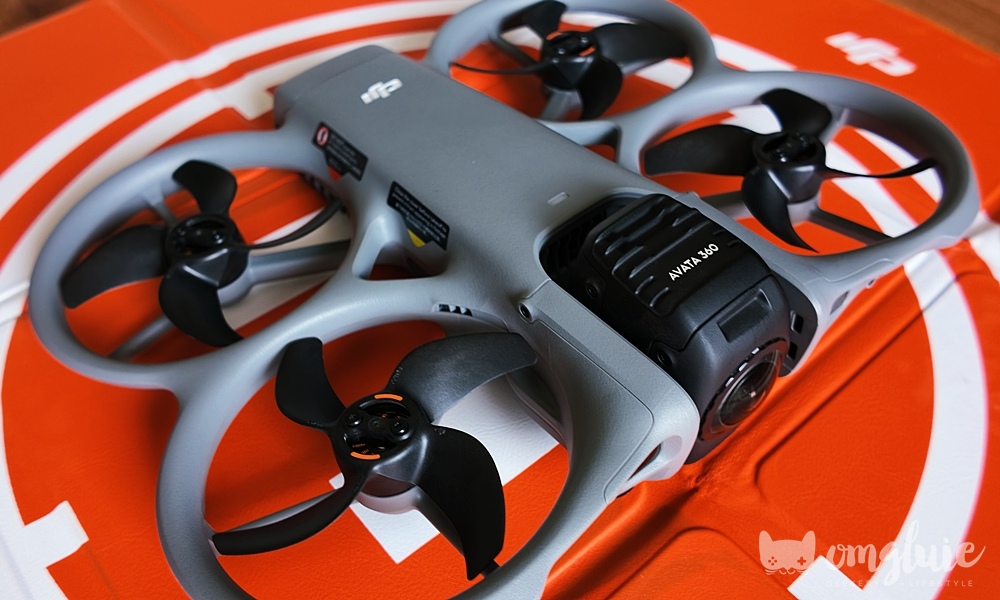
Like I mentioned, the DJI Avata 360 offers so much flexibility, whether you’re in flight or working on editing your footage, especially since the 360° cameras give you a lot of angles to work with.
The drone’s design and form factor feel premium and practical, with every inch well thought through to provide a lightweight flying machine. Plus, propeller guards are always nice to have.
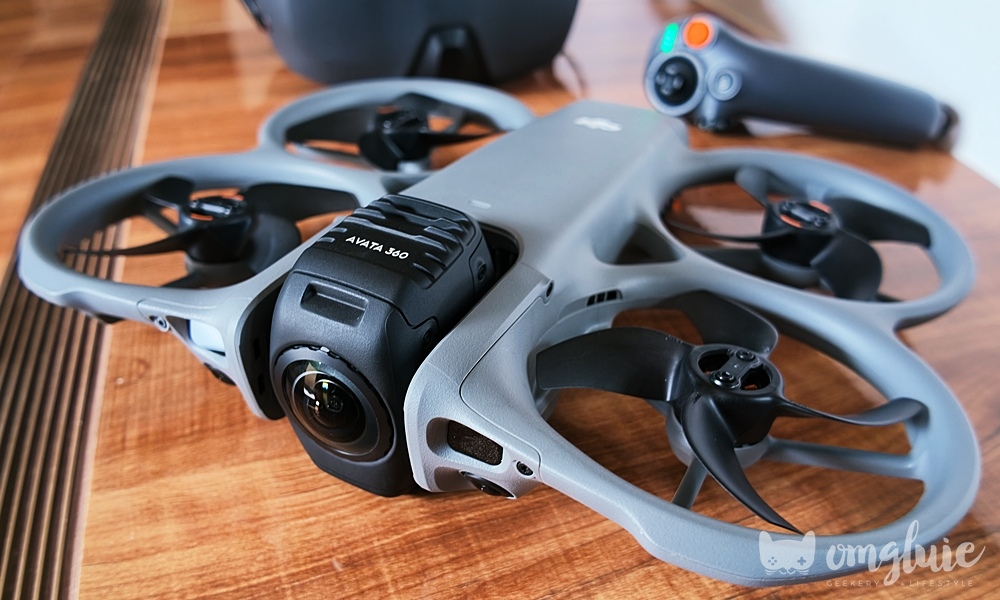
In terms of flying experience, I’m sure you’re tired of me saying how easy it was for me to fly the DJI Avata 360. But the caveat here is that I’ve been playing video games for a long time, so my hand-eye coordination is pretty decent.
But even those who have lower hand-eye coordination skills have a lot of tools at their disposal when flying the drone. DJI’s safety technology and Vision Assist make sure to warn you if you’re flying too far, in danger of flying too close to obstacles, and more.
And I also like that the drone will automatically fly back to the take off point when it’s close to running out of battery. That was pretty cool to see, haha!
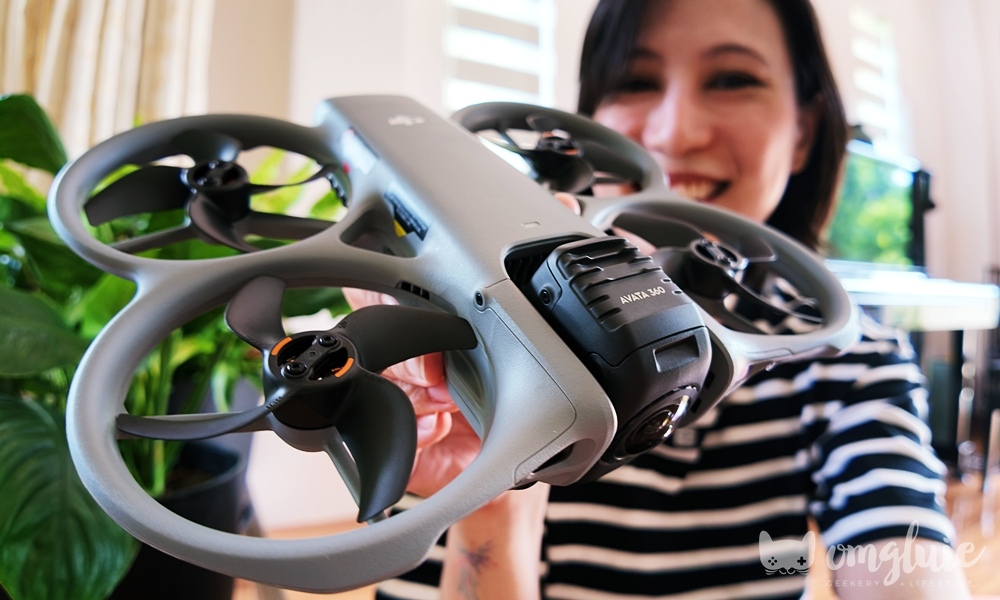
The DJI Avata 360’s SRP is around Php 38,290 or $409 USD for the drone-only option, but if you don’t have a remote controller or the goggles, the Fly More Combo / Motion Combo will set you back around Php 47,890 or $809 USD.
In my opinion, it’s not budget-friendly for drone flying beginners. But it can be a good option for more experienced flyers looking to break into drone flying professionally, especially if they prefer the 360-degree angle perspective.
And that’s my experience with this drone! Thanks to DJI Philippines for letting me try it out! You can check out the official website for more information. 🙂
Connect with OMGluie via:
Instagram Twitch Facebook Twitter YouTube