


I’ve had the Lenovo Legion 7i (Gen 10) for a few weeks now. It’s been an interesting and eye-opening experience, especially since I’m not the type to like laptops that have larger than 14” screens.
But, the Legion 7i was pleasant to work and game with, and it’s making me rethink my preference for smaller screens. Here are my first impressions! 🙂
Lenovo Legion 7i (Gen 10) – Specs, Pricing, & Availability
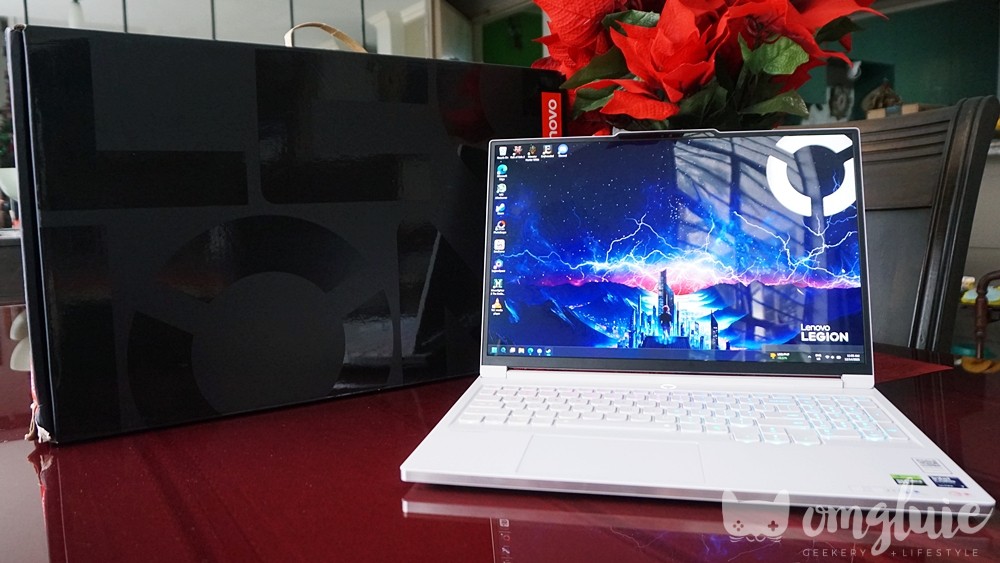
Legion Philippines sent me a model with the following specs:
- CPU: Intel® Core™ Ultra 7 255HX
- GPU: NVIDIA® GeForce RTX™ 5060 Laptop GPU / 8GB GDDR7
- OS: Windows 11 Home
- Memory: 32GB DDR
- Storage: 1TB M.2 2242 PCIe SSD (Gen 4)
- Display: 16″ WQXGA (2560 x 1600) OLED; 16:10 / 165 Hz VRR
- Dimensions: 14.24 x 10.37 x 0.63-0.70 inches
- Weight: Less than 4.52 lbs (~2.0 kg)
- Ports:
- Left Side – 1x USB Type-C® (USB 3.2 10Gbps with Power Delivery 3.0 65W-100W / DP 2.1), 1x USB Type-C® (Thunderbolt™ 4 40Gbps with Power Delivery 3.0 65W-100W / DP 2.1), 1x USB Type-A (USB 3.2 5Gbps Always-on 5V2A), 1x Audio Combo Jack
- Right side: – 1x USB Type-A (USB 3.2 5Gbps), 1x SD 4.0 Reader, 1x E-Shutter Button
- Rear – 1x HDMI® 2.1, 1x DC-IN
- Color: Glacier White
Prices for this model start at around Php 151,000, but can go as low as Php 122,000, on the official Lenovo Legion website.
Legion 7i (Gen 10) – Packaging & Features

There isn’t much to unpack from the laptop’s packaging. You get the typical sleek, black Legion box, some protective cardboard packaging inside, the laptop itself, and the 245W power adapter.
The minimalist packaging is particularly convenient, especially for those who lack storage space and are always looking for ways to minimize clutter.
Lenovo Legion 7i Gen 10 Hardware (and Software)
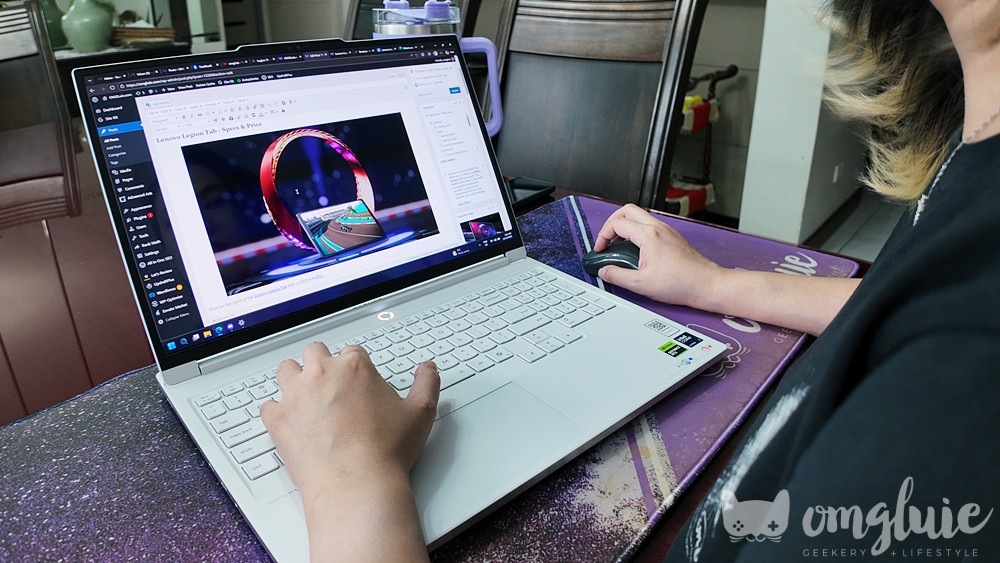
Obviously, the Legion 7i’s main selling point is that it features 2025’s latest hardware and software. The model that I got to try out has an Intel U7 CPU, a 50-series GPU, and is equipped with Lenovo’s AI Engine. This alone would give you an idea of just how much power is packed into the chassis, whether it’s for productivity or for gaming.
Some tinkering is needed to get the laptop up to speed to personal preferences, but once you’ve got all your programs, files, etc. set up, you can expect smooth sailing no matter how heavy your task is.
OLED is King
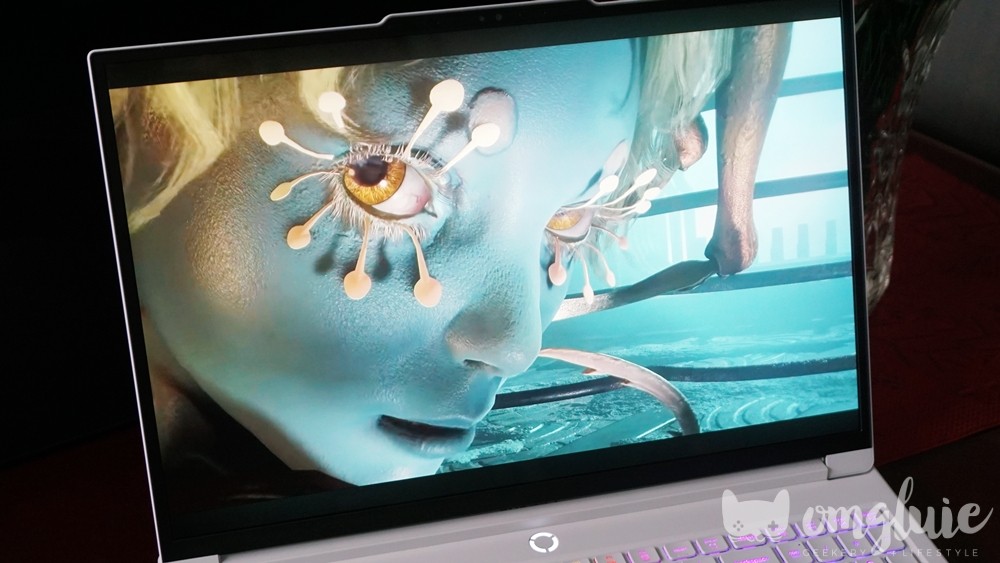
If there is one thing that really shocked me about the Lenovo Legion 7i, it’s the flabbergasting vibrancy of the 16″ WQXGA Lenovo PureSight OLED screen.
First of all, it’s flippin’ HUGE. And as a 14″ laptop girlie, I thought I wouldn’t enjoy the experience, but I was pleasantly proven wrong. Everything I wanted to do in terms of entertainment was just a feast for the eyes.
The precise color accuracy and AI-assisted sharpness adjustments aid in editing photos and videos, while the flexible refresh rates make the gaming smooth yet oh-so-immersive. This close-up experience with an OLED display has made me want to save up so I can replace my current personal IPS monitor, LOL.
Bells and Whistles in the Right Places

The Legion 7i isn’t loud and in-your-face about being a gaming machine. If it weren’t for the brilliant Glacier White colorway, you could easily mistake it for just another 16-inch laptop.
But it’s built to impress. Despite the larger screen size, it remains lightweight and easy to carry around. The location of the ports is convenient, and I particularly like that you can connect the power adapter to the rear of the laptop, so there’s no ugly angling of your cables.

A little RGB on the power button and the keyboard is greatly appreciated, especially on days when you feel like you need a pop of color. And the large touchpad is helpful when you find yourself lacking a mouse during a hectic workday.
Customize Lenovo Legion 7i Performance to Suit Needs

The Lenovo Legion 7i (Gen 10) comes with a slew of preloaded programs that you can tweak and customize according to your needs. But, I spent most of my time hanging around the Legion Space app.
This was especially useful when I was testing out the laptop’s gaming capabilities. You can easily switch settings with one click, from Quiet mode for productivity to Performance Mode for extended gaming sessions.
You can even switch between the internal and dedicated GPUs, with changes taking effect after a quick reboot. For busy gamers like me who want easy access without spending a lot of time searching through the device’s settings, the Legion Space app is a very helpful tool.
Lenovo Legion 7i (Gen 10) – First Impressions & Gaming Experience
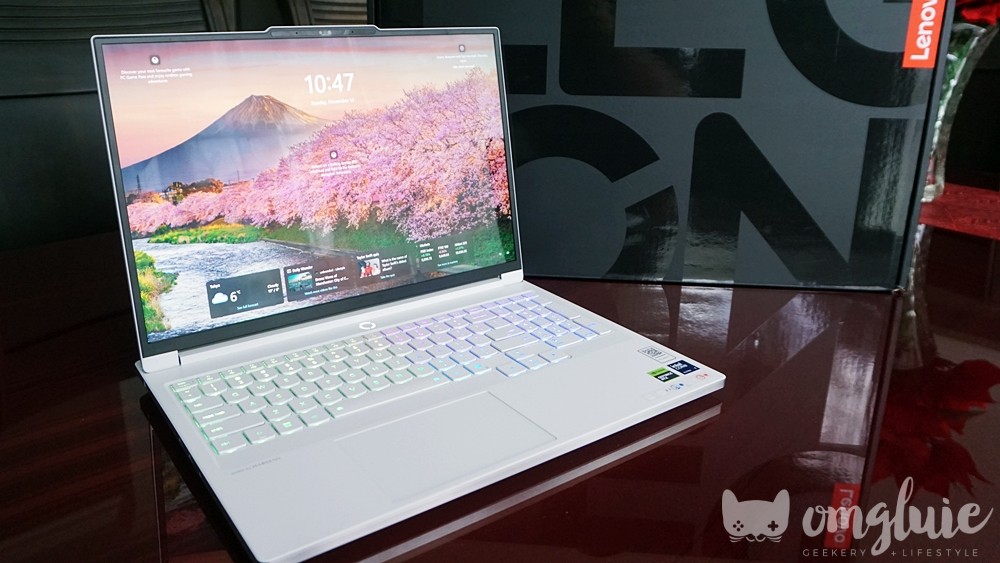
I did put this laptop through the wire while playing games, haha! I tested it out on Monster Hunter Wilds, Path of Exile 2, Soulframe, and Moonlighter 2.
Each of these games is different in terms of resources used, so it was nice to see how the Legion 7i’s specs stood against their requirements.
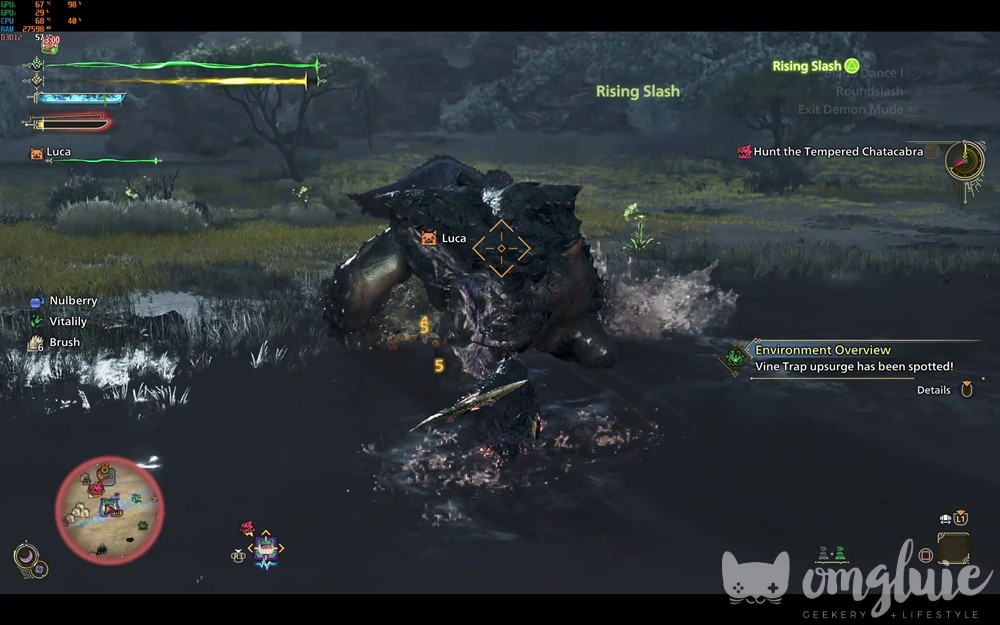
Of course, I had to start with Monster Hunter Wilds! Unfortunately, since the laptop’s GPU has a limited 8GB of VRAM, it was difficult to adjust settings beyond Medium to High. You gotta go in and really tweak the visuals to get the best balance of quality and performance. LOL.
IDK what it was (I’m probably a noob), but the in-game FPS was limited to 60 even if I chose “Uncapped” in the settings. However, it was consistent at 57-60 FPS even during the heat of the hunt, and I didn’t notice any frame skips or lag. So, MH Wilds is smooth and playable, but not with the highest visual effects.
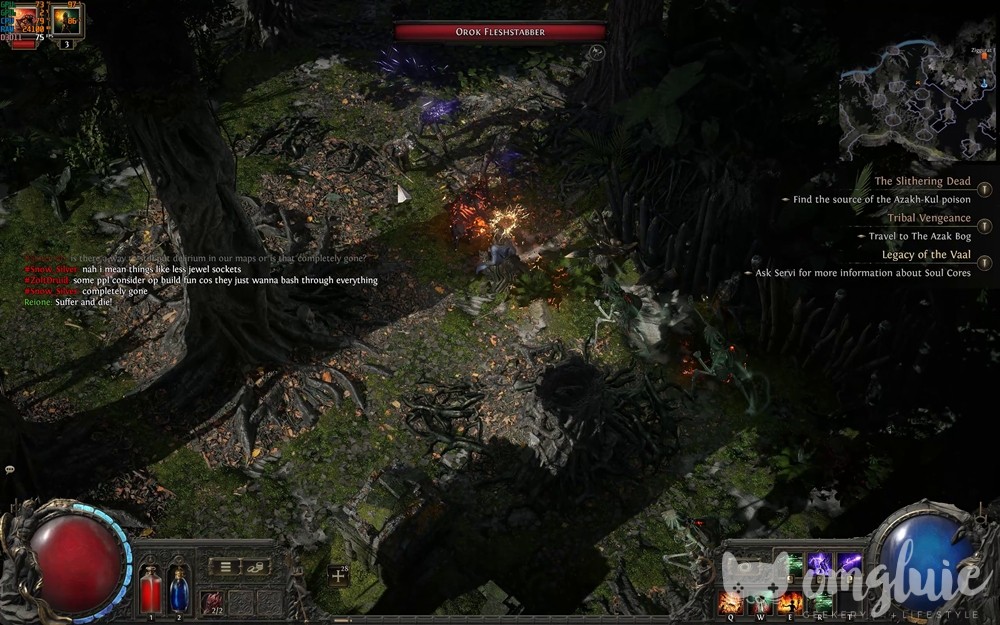
For Path of Exile 2, which recently launched its Early Access The Last of the Druids DLC, everything was pretty much on High settings, with FPS also Uncapped. LOL. The framerate was steady at around 60-80 FPS, but I noticed occasional skips.
This probably means I need to tweak a setting to make the experience as smooth as possible. It was actually really fun to play PoE 2 on this laptop because of the OLED screen. Everything was just so sharp and vibrant, even the gory monster bits. HAHA!
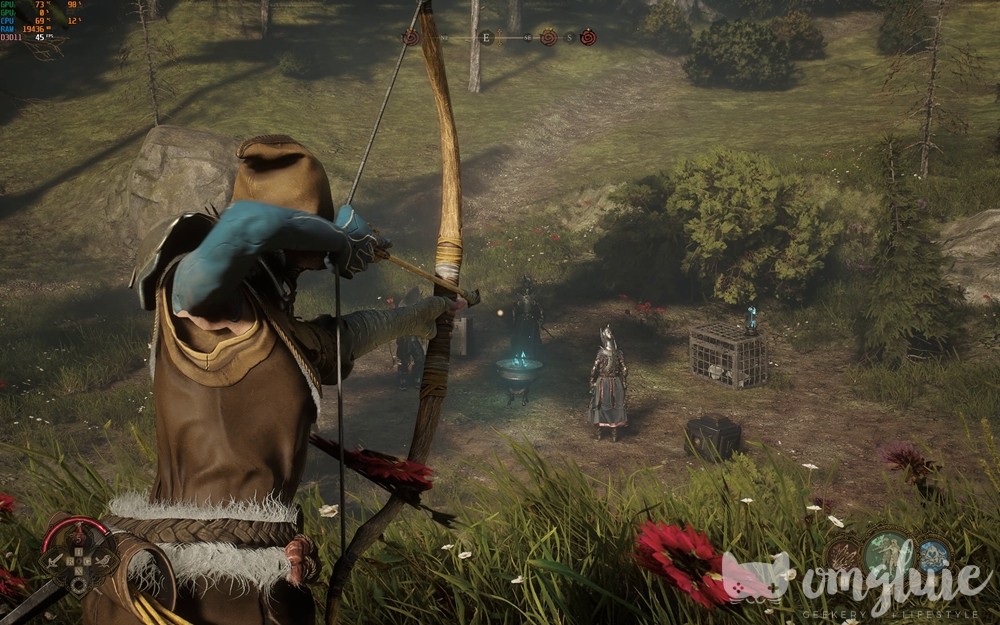
One of the more beautiful titles I tested on the Legion 7i, Soulframe looks oh-so-good on this laptop’s OLED display. Visuals were set to High, but the frames jumped around 43-70+ FPS. Then again, this game is in a closed beta state, so optimization will probably come at a later time.
… It’s still gorgeous to look at, though. XD

Last but not least is Moonlighter 2, which is also in Early Access. Probably because this game is the least resource-intensive out of the four, it had frame rates that were always above 100+ FPS. There were no noticeable skips, and the action was smooth despite being fast-paced at times.
This game had performance issues during its beta and demo periods, but it seems the devs have already addressed them when Early Access was launched. 🙂

Okay, so what’s the OMGluie verdict on the Lenovo Legion 7i? I feel like it’s a great desktop replacement for those who don’t have the space for a gaming PC setup.
Despite the larger screen size, it still feels portable enough and not a burden to bring when traveling. Plus, the OLED display is a game-changer and the ONE thing I would buy this laptop for. LOL.

Unfortunately, the 8GB of VRAM on this laptop’s GPU is the definitive deal-breaker for me. If I were to game on a desktop replacement, playing Monster Hunter Wilds is a NEED, for sure. But! This is a personal preference, okay!
The price at Php 151,000+ is also something to consider. That’s not cheap and can easily build you a competitive gaming PC already.
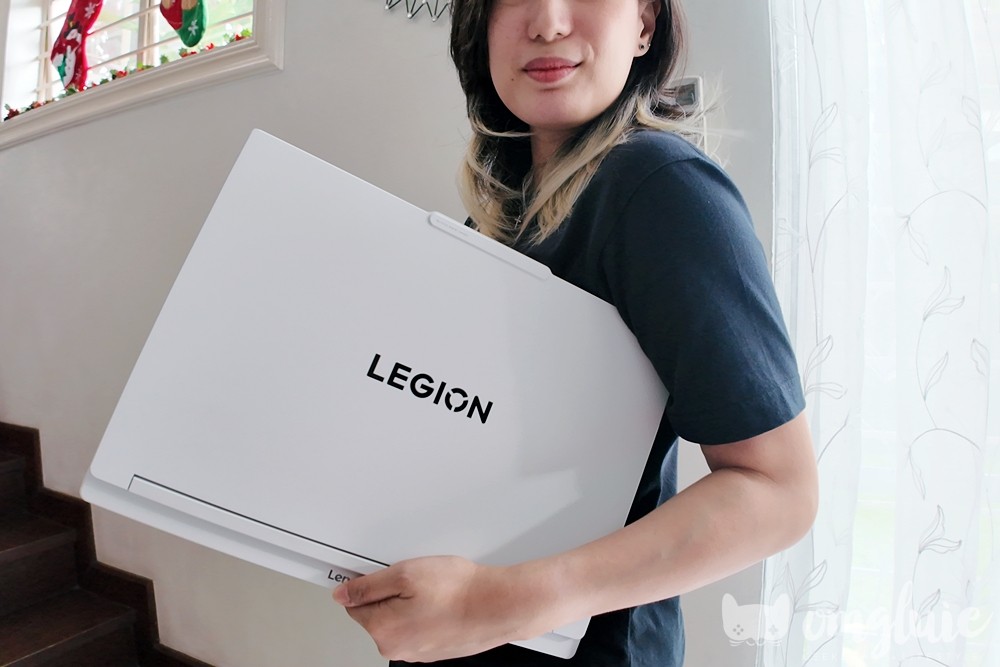
At the end of the day, your preference is still what matters. Maybe the 8GB VRAM is more than enough for your gaming needs, and maybe you travel for work and desperately need a wider, more vibrant screen to help with creativity.
If that’s the case, I think that the Lenovo Legion 7i (Gen 1o) might be a good fit for your lifestyle. As long as it’s within budget, of course. Haha! Okay, I hope that helps. Until next time, bye!
Connect with OMGluie via:
Instagram Twitch Facebook Twitter YouTube